
In Chateau, you will interact with images in the following ways:
Component image
Leak image
OGI Spot
OGI leak image
OGI leak video
Component Image/Target Image
This will help you to confirm that you are looking at the right component.
To upload the target image in Chateau Mobile, see the Chateau Mobile video on editing component details.
To upload the target image in Chateau:
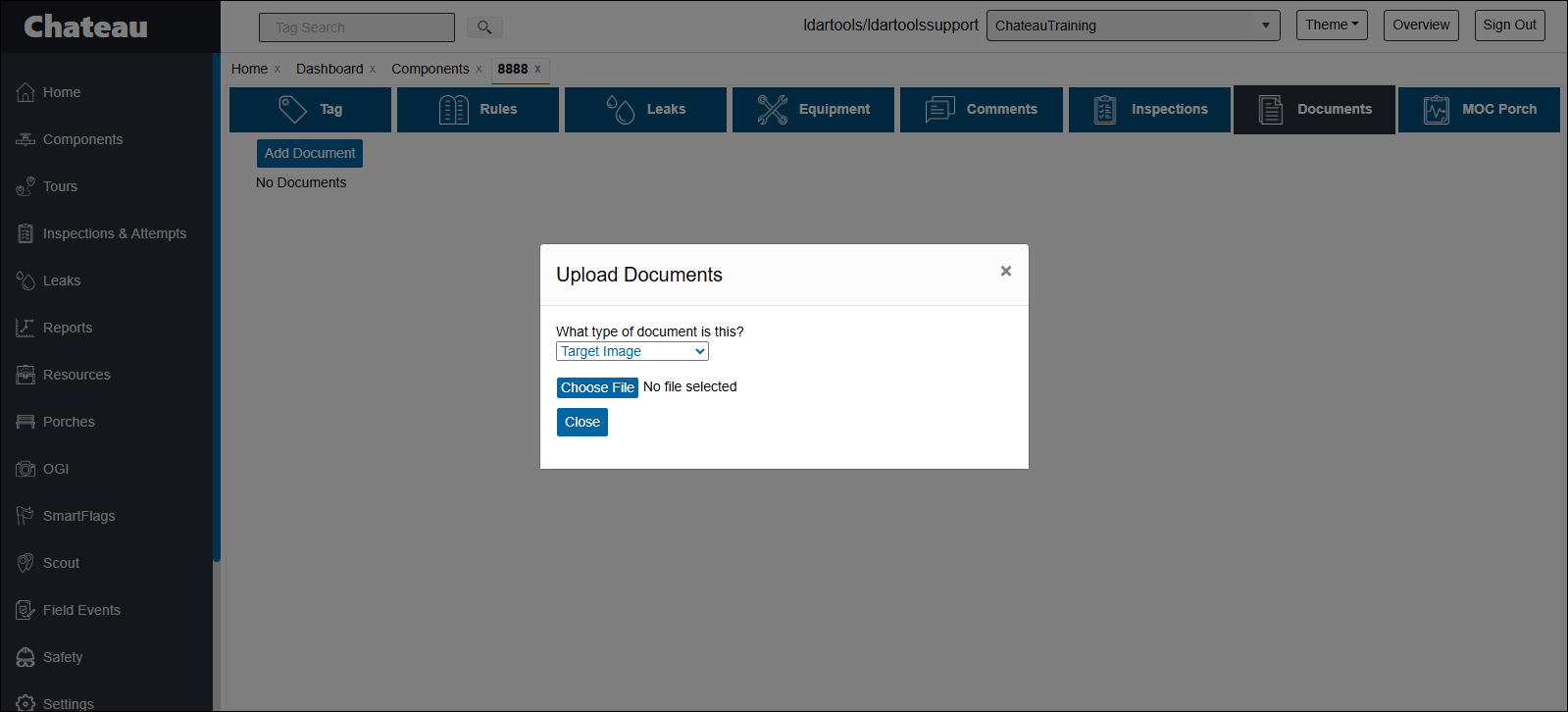
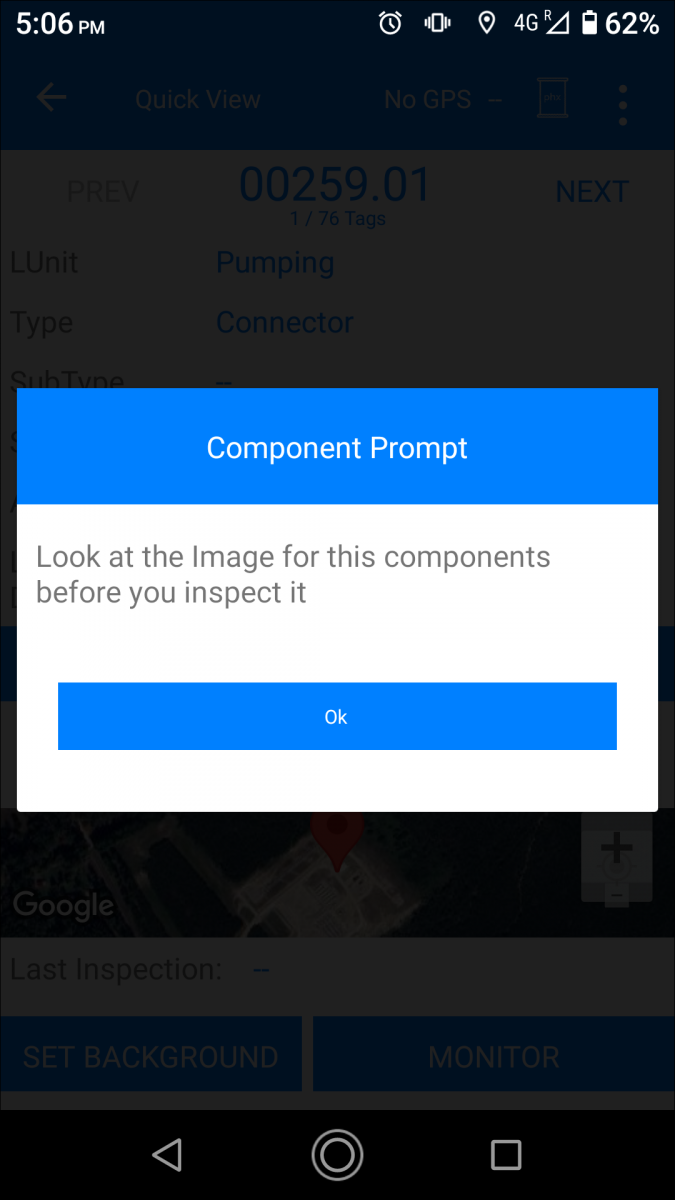
You can use a target image prompt like this to remind your technicians to verify the target image before starting an inspection:
Leak Image
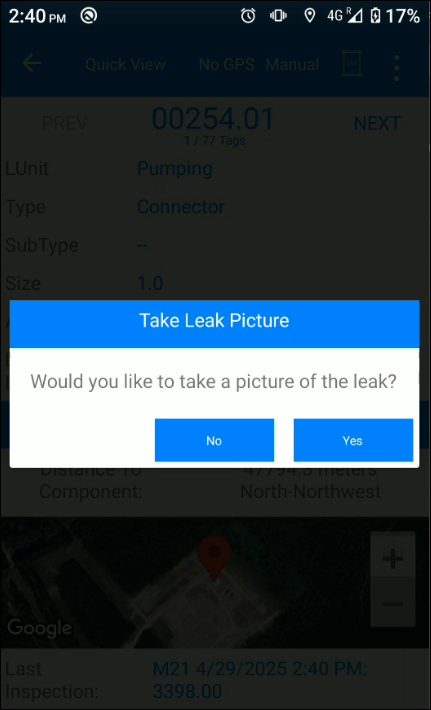
You can attach images to help identifying leaks After failing inspections are recorded, Chateau Mobile will prompt you to take leak photos. For more details on performing this process, see either the M21 or AVO Technician Chateau Mobile videos. Chateau will only send leak images for currently open leaks to Chateau Mobile. You can access the leak image in Chateau Mobile here.
OGI spot
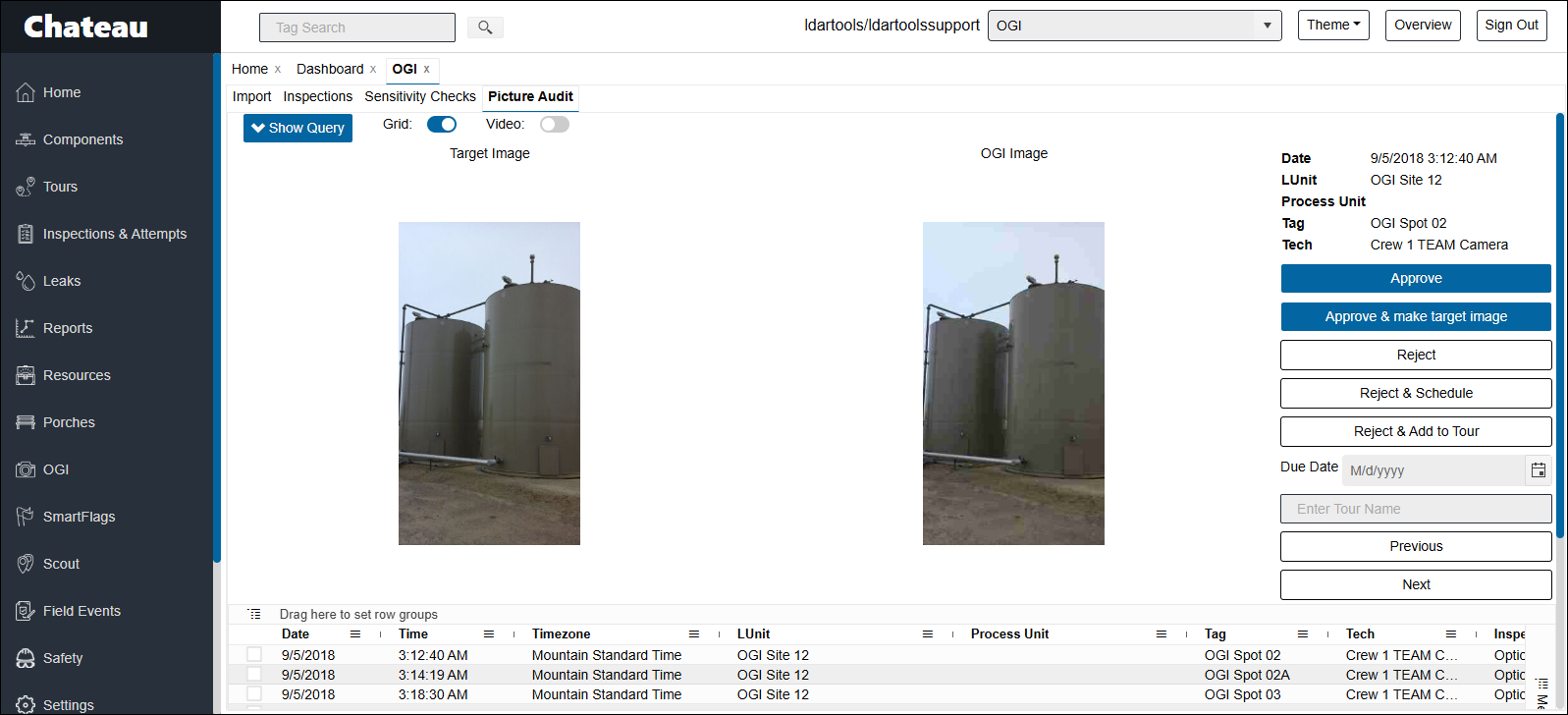
You can upload target images for OGI Spots just the same as for regular components Additionally, in picture Audit, you have the option to make your OGI inspection image the target image:
OGI Leak Image/Photo
Comments
0 comments
Please sign in to leave a comment.