Complete Online Training
Published: 2022-06-30 Revised: 2026-11-13
Online Training is part of the LDARtools Customer Portal. You use your Customer Portal account to take courses. At this time, only the phx42 Level 1 Certification course is available.
Take a course
- Go to LDARtools.com > Support > Customer Portal.
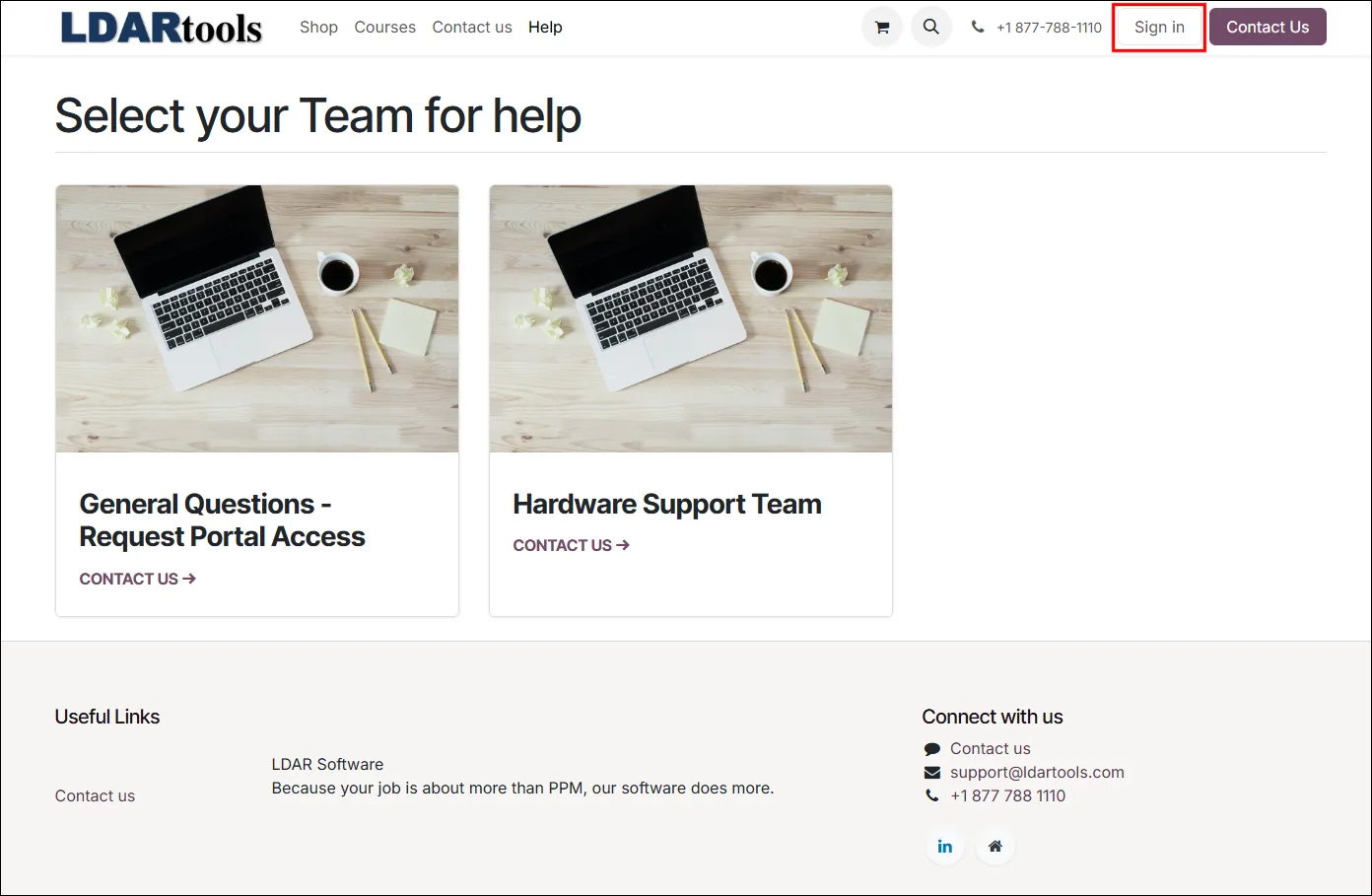
- Click Sign in at the top-right of the page.
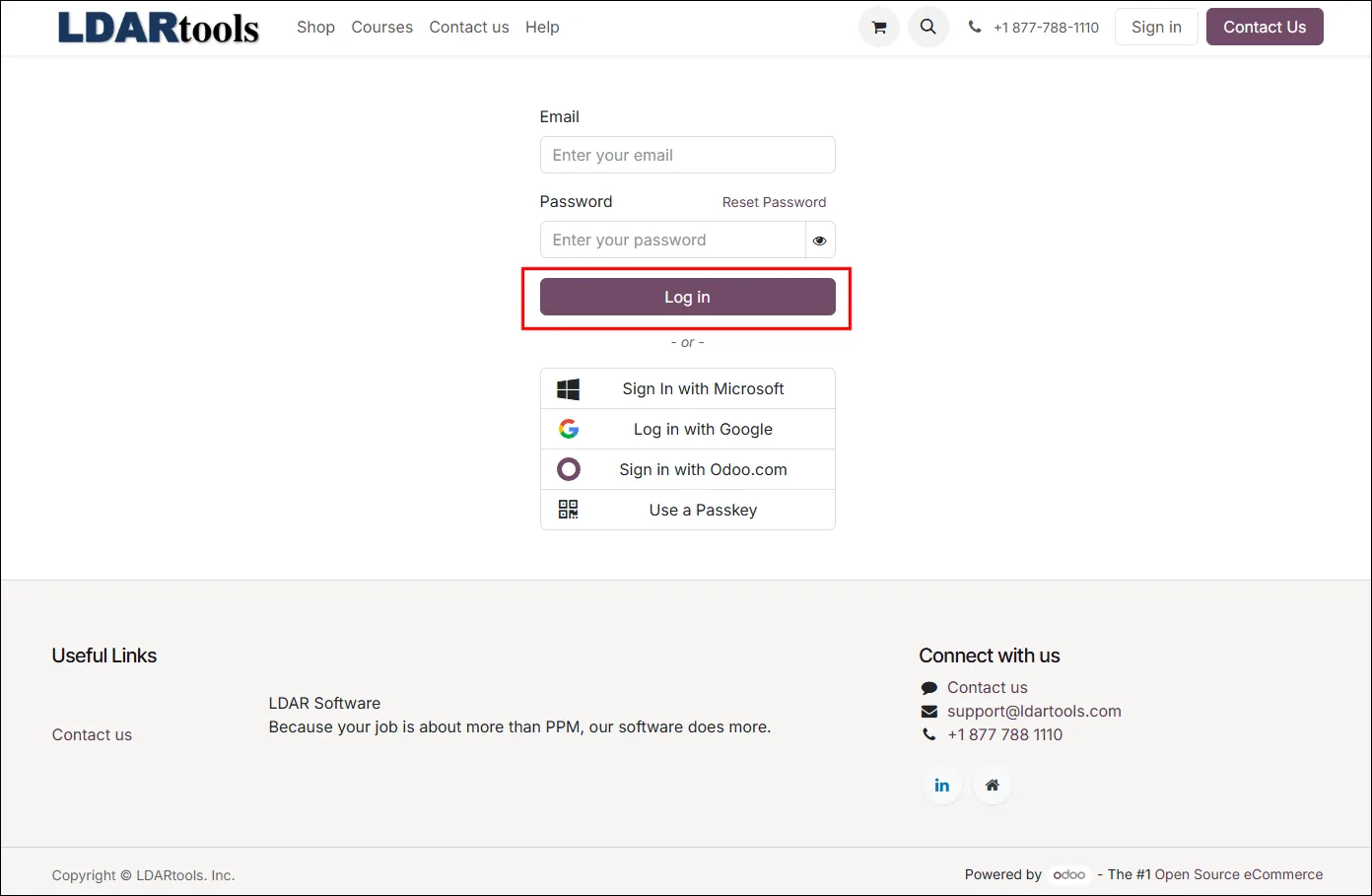
- Enter your email address and password, and click Log in.
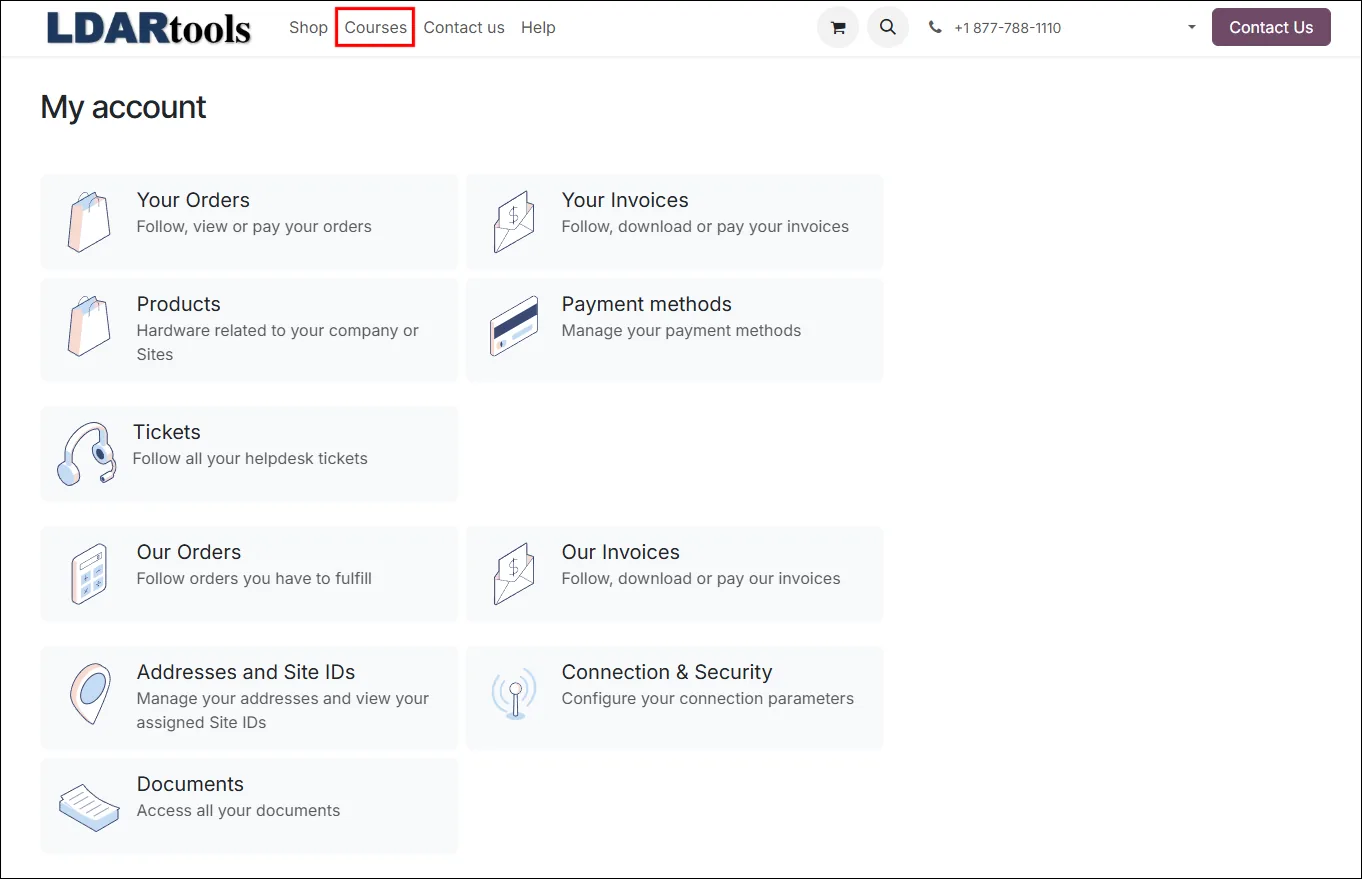
- Click Courses at the top of the page.
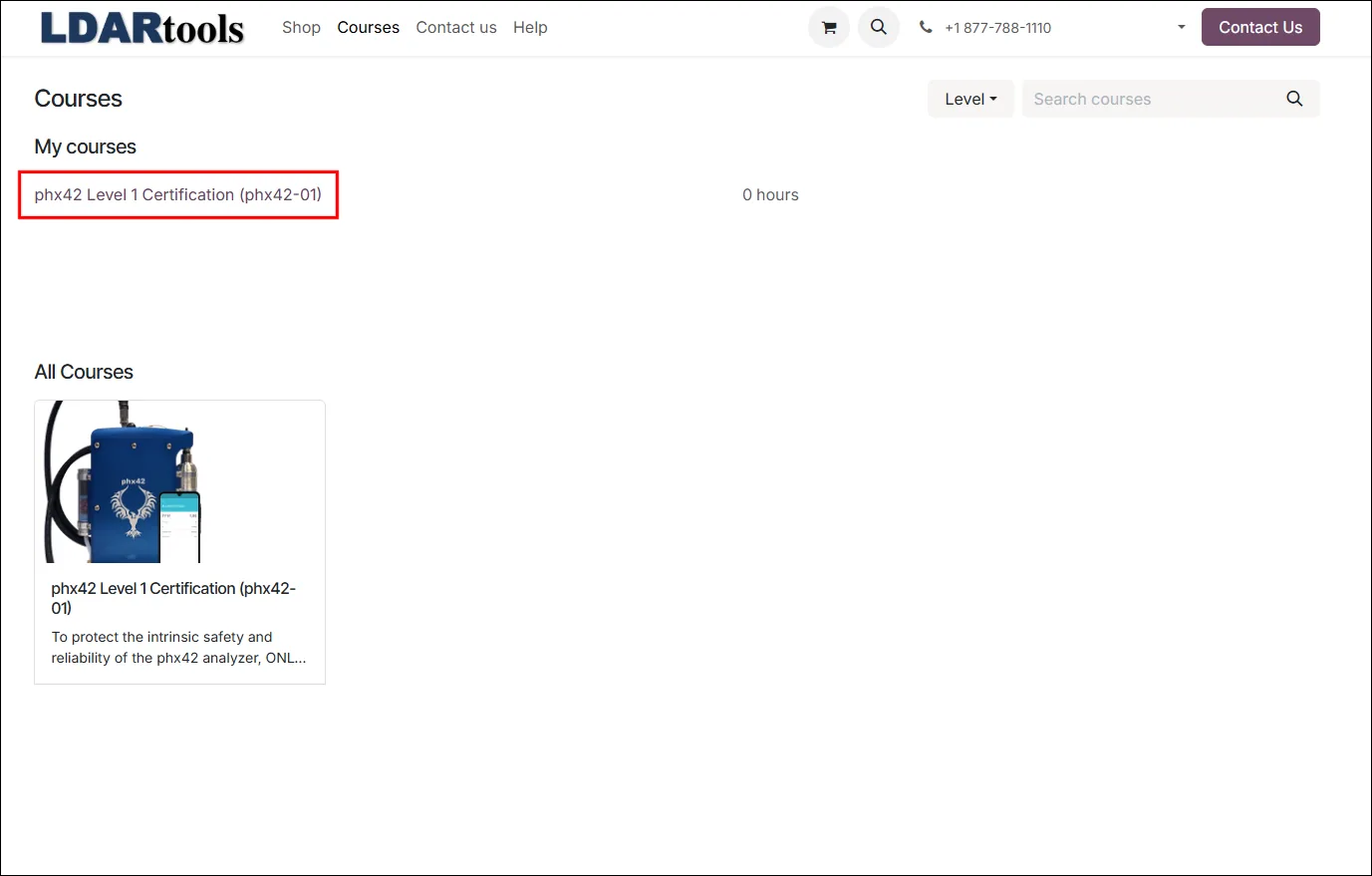
- Select the phx42 Level 1 Certification course in the My Courses list.
- Follow the on-screen instructions to complete the course and the assessment.
Notes
- Don't have an account, or the sign-in page doesn't recognize your email address? Logins from the old Online Training site don't work on the Customer Portal. See Acquiring Online Training Credentials to request an account.
- Course not in My Courses? If you weren't automatically enrolled for recertification, click Courses at the top of the page and select the course you need to enroll.
- Forgot your password? Click Reset Password on the Customer Portal sign-in page.