Acquiring Online Training Credentials
Published: 2022-06-29 Revised: 2026-11-13
LDARtools Online Training is now part of the Customer Portal. You use one account, your Customer Portal account, for both. At this time, only the phx42 Level 1 Certification course is available. Courses for Chateau and other tools will be added in the future.
Got an email telling you to click "Sign up"? Some certification reminder emails from our retired systems still include old sign-up instructions. There is no Sign up button on the new site. Accounts are set up by LDARtools. Follow the steps below to request one.
If you already have a Customer Portal account
You're all set. You don't need a separate training account. Sign in to the Customer Portal and click Courses. See Complete Online Training.
Request an account
- Go to LDARtools.com > Support > Customer Portal.
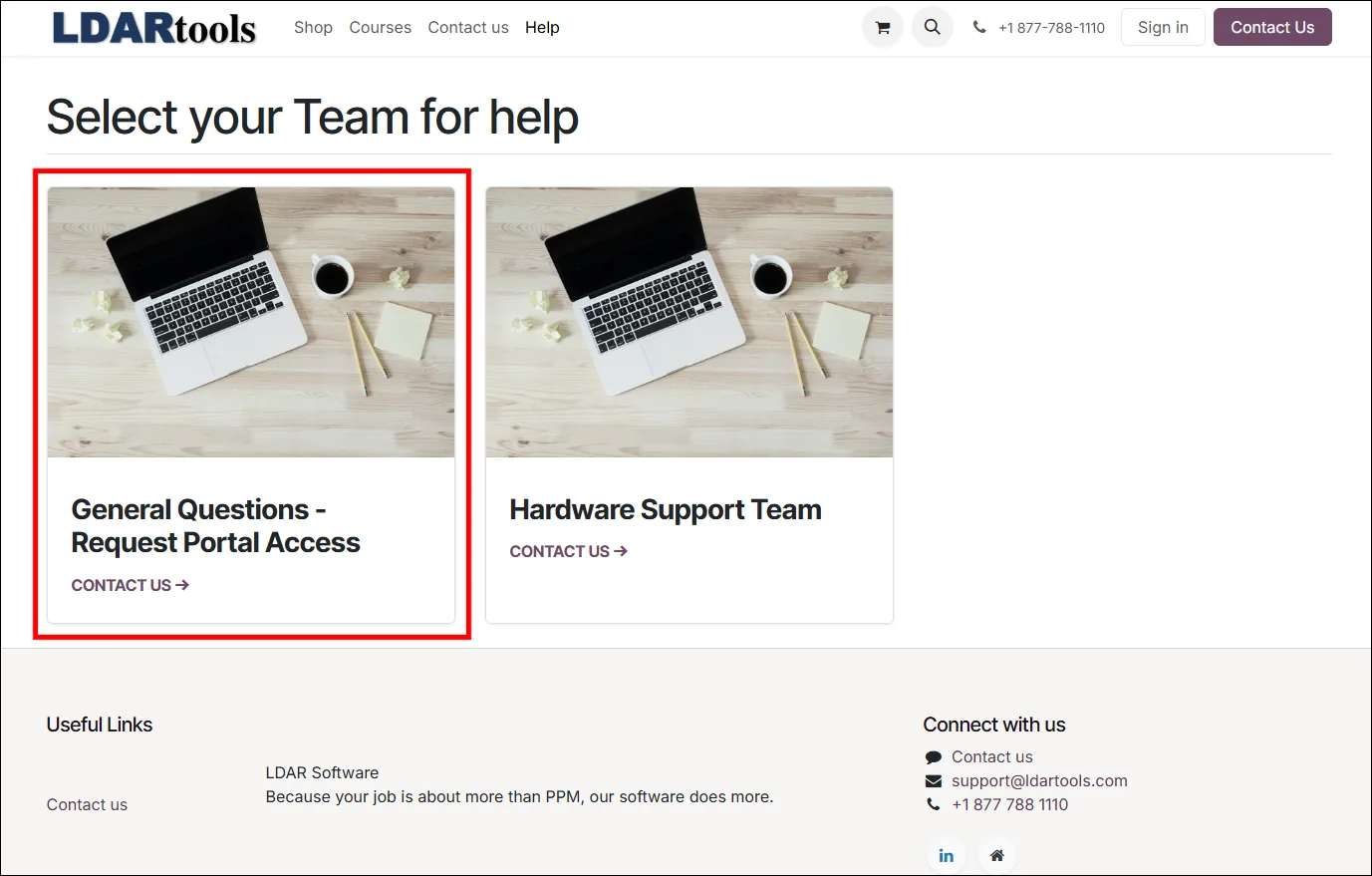
- Click the General Questions - Request Portal Access tile.
- Fill in the form:
- Full Name and Phone Number
- Email Address: Use your company email address, in lowercase letters.
- Company Name
- Message Subject: Enter Request Portal Access.
- Ask Your Question: Say that you need access to Online Training and which course you need (for example, phx42 Level 1 Certification).
- Click Submit Ticket.
- We'll reply to the email address you entered once your account is set up.
Sign in after your account is set up
- Go to LDARtools.com > Support > Customer Portal.
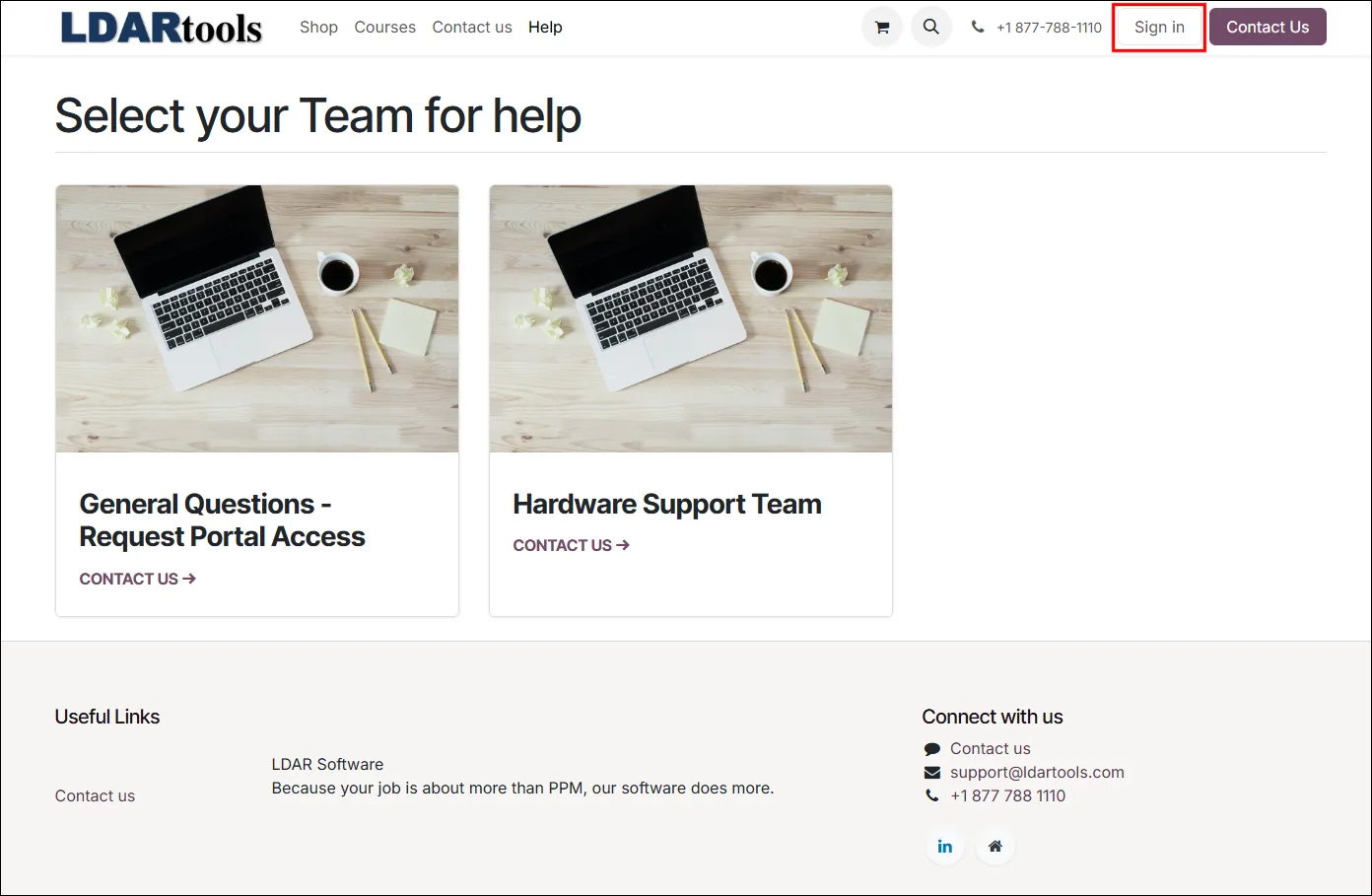
- Click Sign in at the top-right of the page.
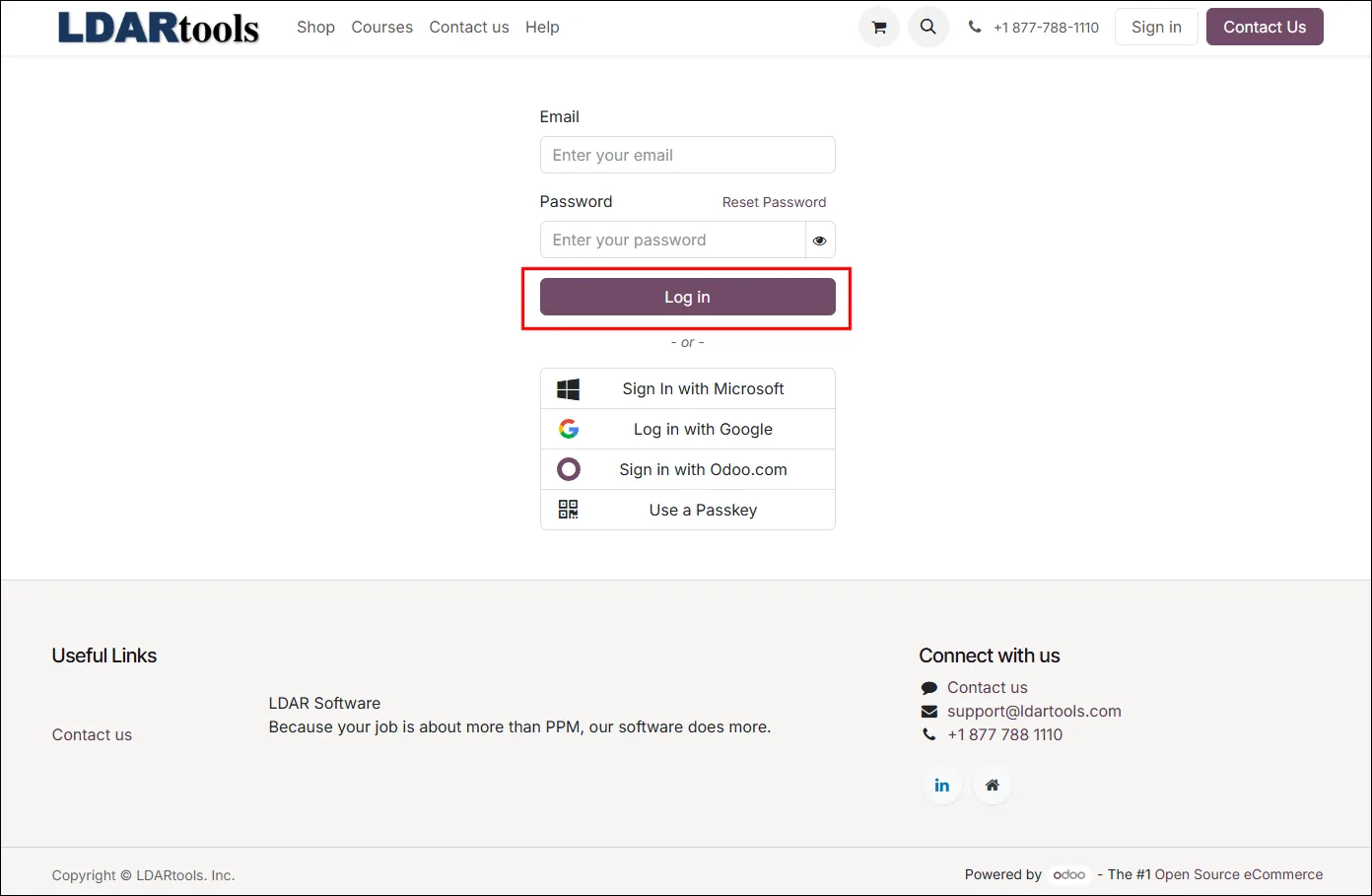
- Enter your email address and password, and click Log in.
- Click Courses at the top of the page.
Notes
- Old training logins no longer work. If your old Online Training login says your account is inactive, or a password reset email never arrives, you are on the retired training site. Request a Customer Portal account using the steps above.
- Forgot your password? Click Reset Password on the Customer Portal sign-in page.